Tips to help you protect your account
1. Identity theft is a scammers go to: Ensure that you shred documents in your custody that has confidential information for yourself and for your members.
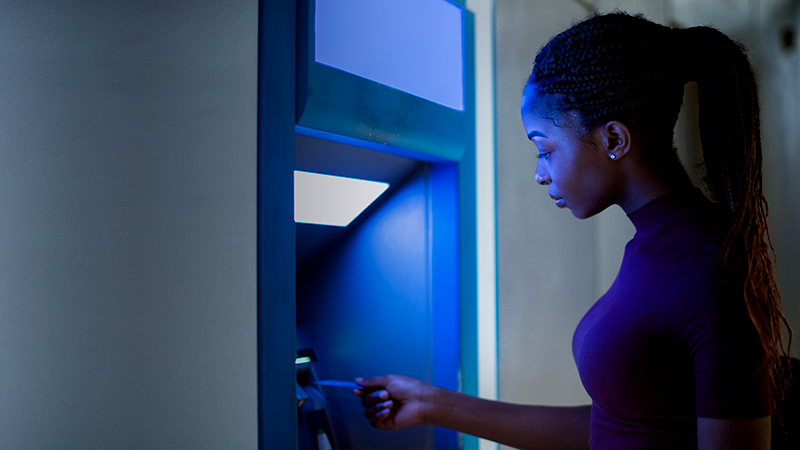
2. Protect confidential Information: Avoid leaving information exposed on your desk and computer screen. Close computer using alt+ctrl+del or windows key+1,or ensure that you use a protective screen. Cover your PIN at ATM machines (click here to read ATM skimming – link to pg.12 in security booklet)
3. Do not share confidential information online: Try to avoid sharing confidential information via social media and public platforms. Share only through a secure medium.
4. Passwords, PIN and access codes:
· Never share your passwords, PIN and passcodes with family, friends or co-workers. If you feel you must share for one-time emergency purposes, change it as soon as it is used
· Update passwords regularly and never record them where they can be easily accessed
· Do not save passwords on public computers
· Report lost cards; destroy replaced debit cards; don’t write PINs on the ATM cards, and use a PIN only known to you
· Do not insert your ATM card if you observe any foreign objects in the ATM slot. Share what you have observed
· Create strong passwords and several for use on different online platforms
5. Always share information with your institution or security team if you suspect there has been an attempt to hack your account or defraud you . Share the information immediately.
6. Be mindful of close interaction when handling confidential data: Scammers and their associates will position themselves to capture sensitive information to use at another time. Watch out for persons standing over you when entering your PIN or entering data in a system, even at work.
7. Never assume that sensitive data is known by all: When interviewing more than one family members, handle each persons information confidentially. Never assume that everybody knows everything because they are related.
8. Get permission from data owner: If you are asked for sensitive data on customers or members, even if the requestor is legitimate, seek permission in writing from the data owner
9. Lock away files: It is important to lock away files when you are done. Do not leave customers’ files overnight on desks.
10. Confidential information must not be shared casually. Do not discuss members’ confidential information with your family or friends.
11. Avoid public usage: Be careful not to use public computers, public or free WIFI with a public network, to do your transactions.
12. Use a reputable anti-virus software, such as AV vendor like Symantec, Bitdefender, etc..) to scan for malicious files and always accept browser software updates.
13. Sign out of email and properly close browsers. Also, disable “auto-complete”
14. Only download trusted Apps such as Google Play, Windows or App store
15. Back-up your data. Sometimes malicious threats are intended to erase your data.
Remember everyone is a target whether you use secure or unsecured site. Be proactive. Click here to security booklet for details

Check out more stories like this

JN Connects with St Ann Businesses to Unlock Opportunities
The JN Group is exploring opportunities to strengthen relationships and...

When the Call Sounds Legit, But Isn’t
Your phone rings. The caller identifies themself as a representative...

JN Money Partners with WapiPay to Expand Remittance Options to Jamaica
JN Money Services has partnered with fintech company, WapiPay, to...